Features / Time, expenses and mileage
Time tracking that ends in an invoice, not a spreadsheet.
Record billable hours, expenses and mileage while the work is happening. Each entry is tagged to a client and project, so when it is time to bill, the work is already there.
- No credit card
- Every feature included
- From $9.99/month after the trial
Everything you need to capture billable work
Timer or manual entry
Start and stop a timer as you work, or enter the hours afterwards. Bill hourly or as a flat fee.
Your own hourly rates
Each team member keeps up to three named rate presets, so the right rate is one tap away.
Expenses with the receipt attached
Record the merchant, category, tax and tip, and attach the receipt as a photo or PDF.
Mileage three ways
Log a trip by typing the distance, entering odometer readings, or tracking the drive live with GPS.
One picker for client, project and contact
Bill any time, expense or mileage entry to a client, a project and a specific contact from the same place.
Approval before billing
A manager signs off a team member's entries before any of them can reach an invoice.
From logged hour to billed hour
- 01
Log it
Start a timer, snap a receipt or track a drive, and tag it to the client.
- 02
Approve it
A manager reviews the team's entries and approves what is billable.
- 03
Bill it
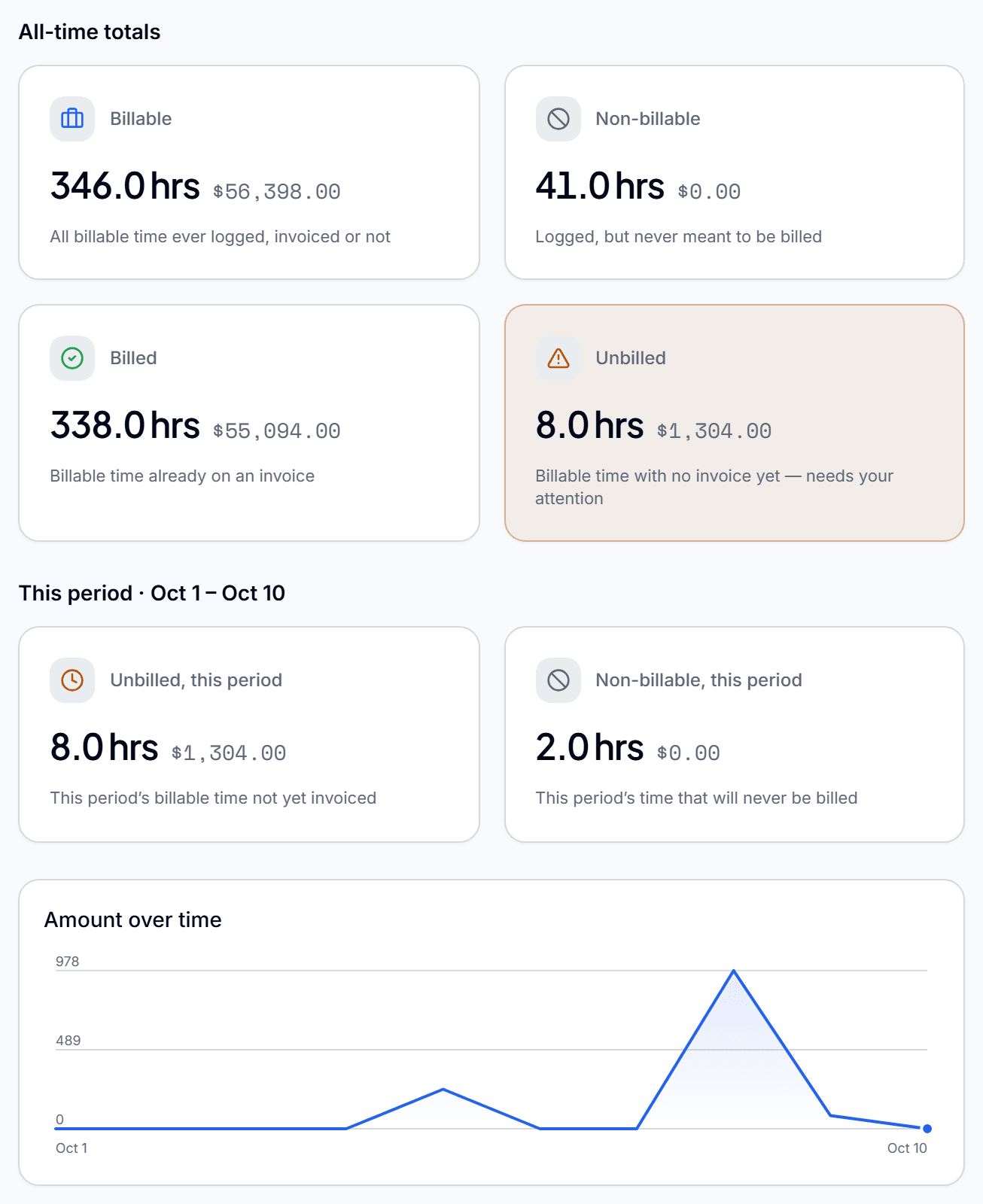
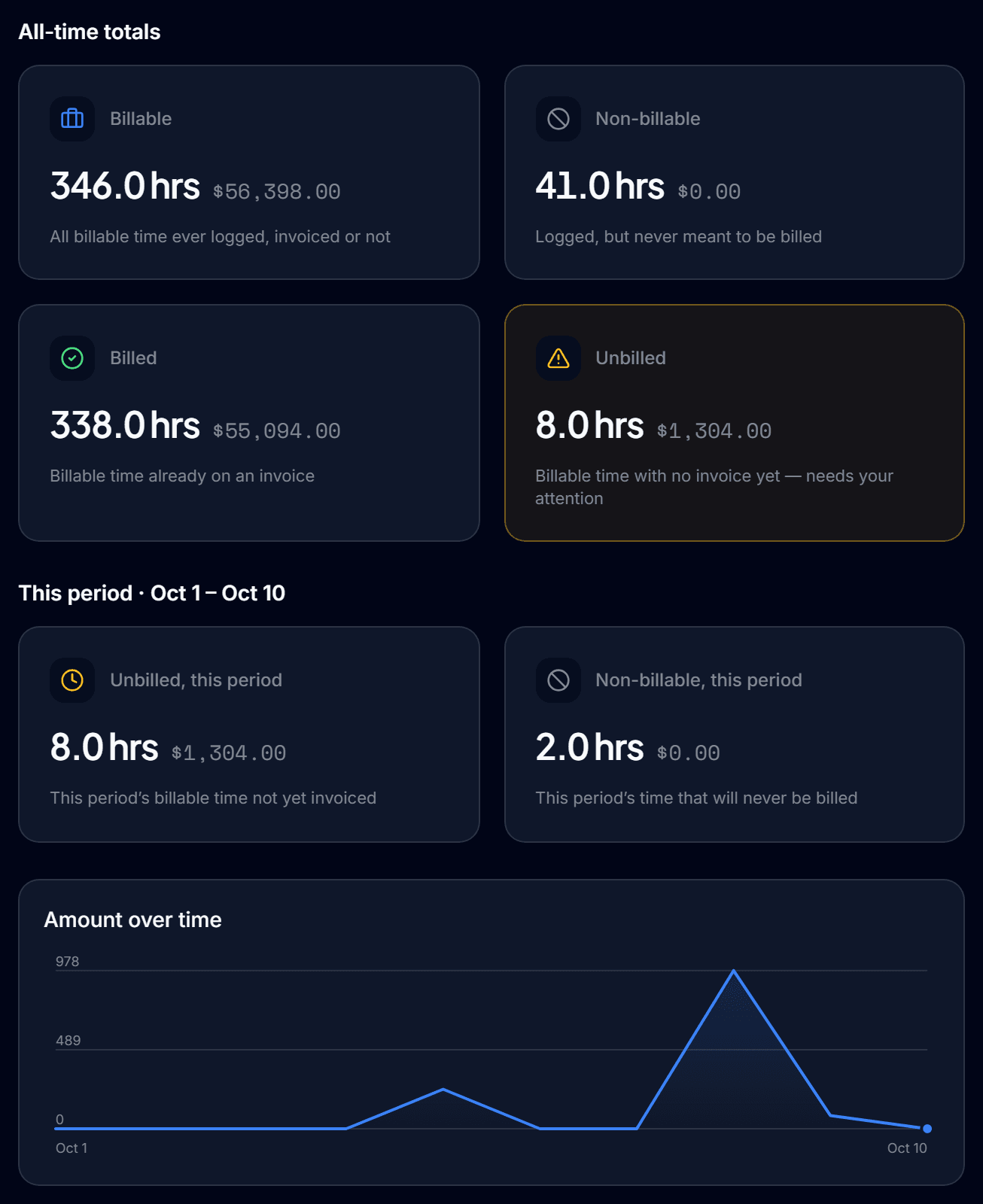
Approved entries appear as unbilled work, ready to pull into an invoice.
Questions before you start
Can I track time without a timer?
Yes. You can start and stop a timer or enter the hours by hand, whichever suits how you work.
Can I track expenses and mileage in the same place as time?
Yes. Time, expenses and mileage all live in Qatalyst and are billed to a client or project the same way.
How does mileage tracking work?
You can type a distance, enter start and end odometer readings, or let Qatalyst track the drive live with GPS.
Does tracked time go straight onto an invoice?
Approved entries show up as unbilled work for that client. You pull them into an invoice in a few seconds, with nothing to retype.
InvoicingInvoices built from the work you already logged.InvoicingClient portalA client portal your clients will actually open.Client portalExpense trackingStop absorbing expenses you should be billing.Expense tracking
Do the work. Bill the work. Get paid.
Connect the work your team does to the money you collect, so nothing gets lost in between.
Start free for 90 daysNo credit card. Set up in minutes.