Features / Payment reminders
Stop chasing invoices. Let the reminders do it.
See every unpaid invoice by how late it is, and follow up without writing a single email. Set the rules once and each invoice is chased on schedule until it is paid.
- No credit card
- Every feature included
- From $9.99/month after the trial
Everything you need to get paid on time
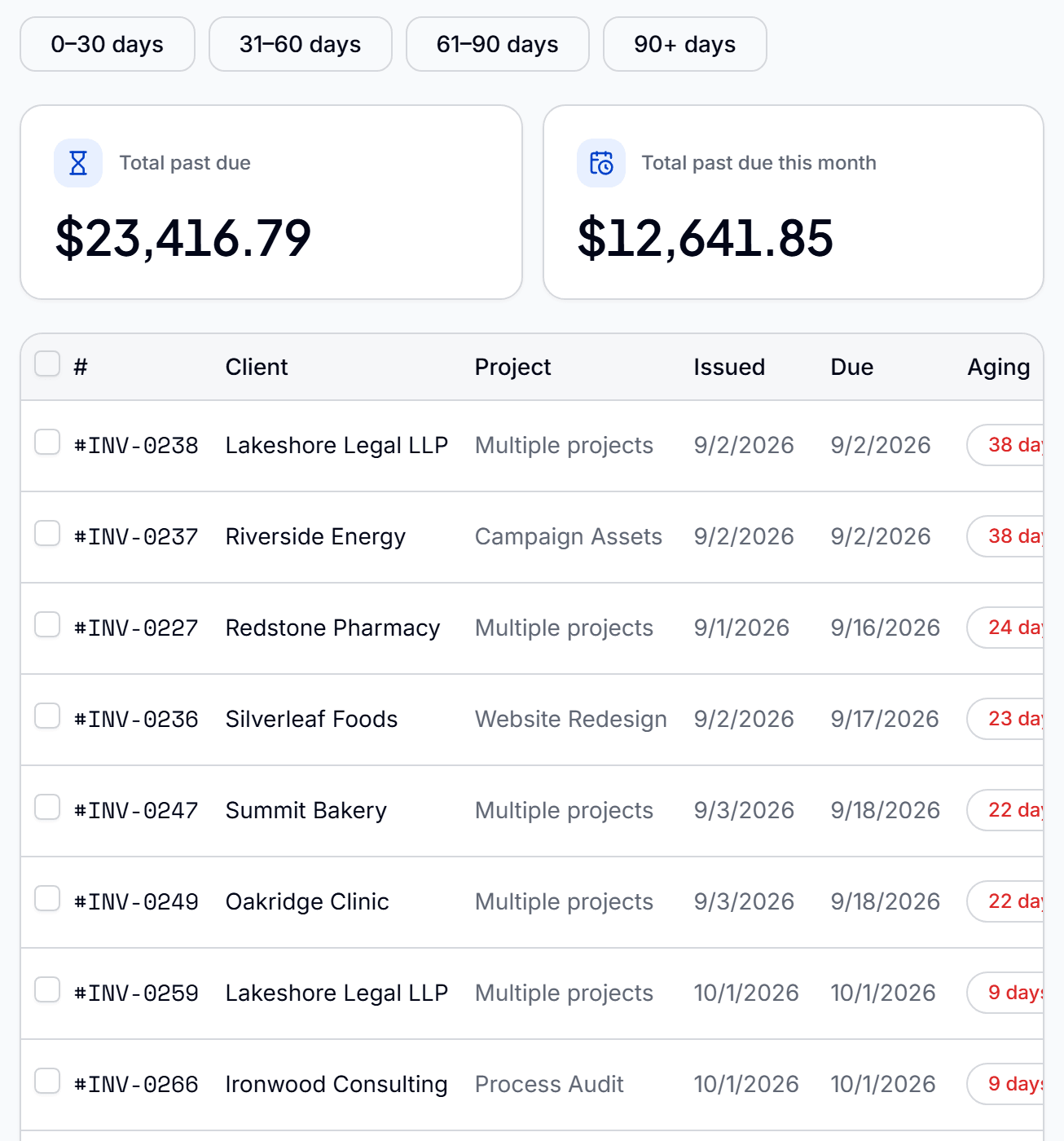
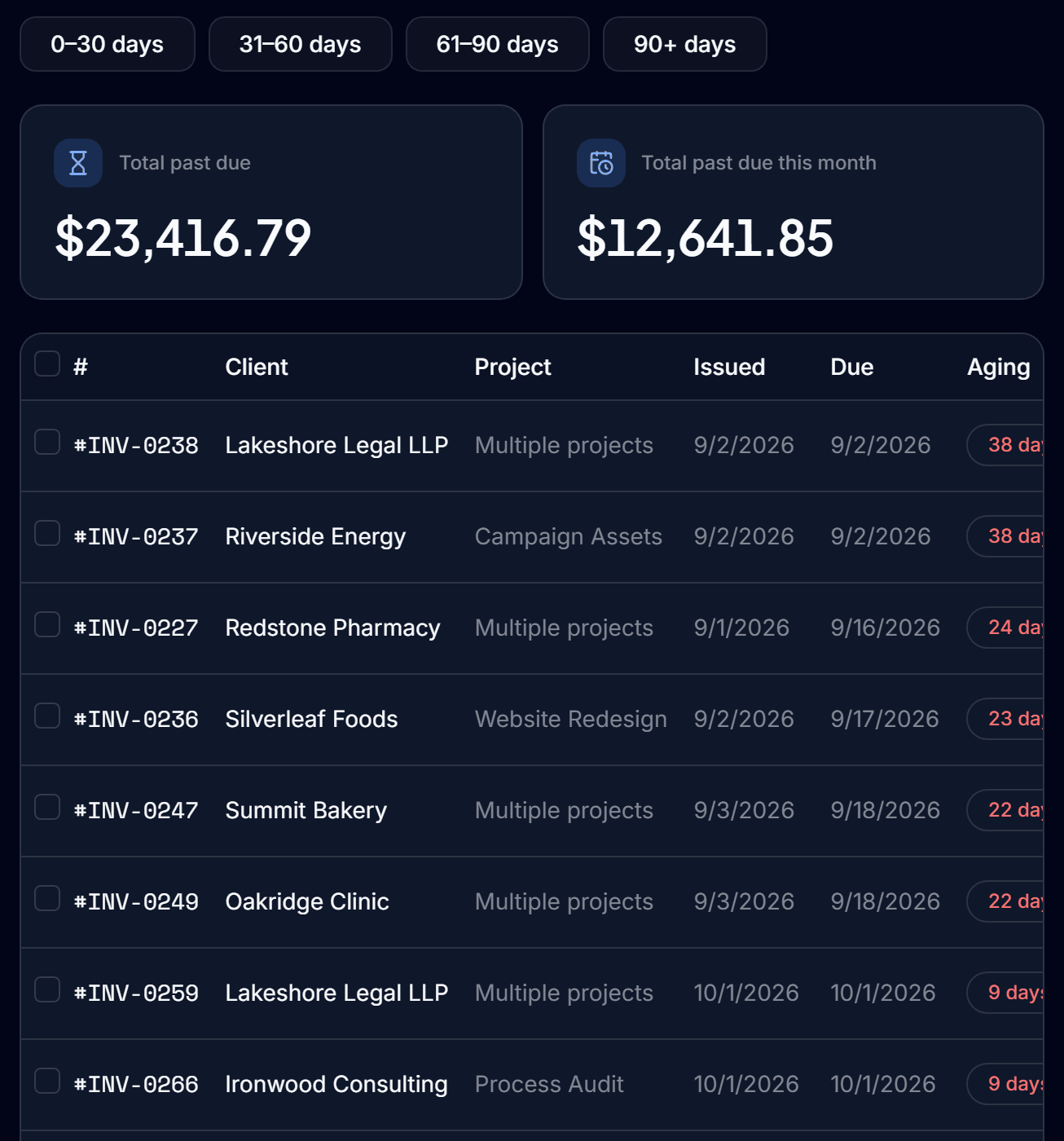
An aging view
See what every client owes, grouped by how long it has been outstanding.
Reminders in bulk
Select the overdue invoices and send all their reminders at once.
Automatic rules
Set rules that send a reminder as an invoice reaches a certain age, with no one having to remember.
Late fees that apply themselves
Give a client a grace period, and a late fee is added once when an unpaid invoice passes it.
Opening balances
Carry what a client already owed before Qatalyst into their account, so the total is right from day one.
Sent from your own mailbox
Connect Gmail or SMTP and reminders arrive from an address your client already knows.
From overdue to paid
- 01
See it
The aging view shows which invoices are late, and by how much.
- 02
Remind
Send reminders in bulk, or let your rules send them for you.
- 03
Collect
The client pays by card from their portal and the invoice marks itself Paid.
Questions before you start
Can Qatalyst send payment reminders automatically?
Yes. You set rules based on how old an invoice is, and reminders go out without anyone sending them by hand.
Can I send reminders for several invoices at once?
Yes. Select the invoices in the aging view and send their reminders together.
Can I charge late fees?
Yes. A late fee is applied once, automatically, when an unpaid invoice passes the client's grace period.
Can I see everything that is overdue in one place?
Yes. The aging view lists what each client owes and how long it has been outstanding.
Lead captureFrom first enquiry to paying client, in one place.Lead captureDigital business cardsA business card that never runs out and tells you who looked.Digital business cardsTeamsYour team logs the work. You approve it before it bills.Teams
Do the work. Bill the work. Get paid.
Connect the work your team does to the money you collect, so nothing gets lost in between.
Start free for 90 daysNo credit card. Set up in minutes.